Gentle routines
for ADHD brains
Waddle turns one sentence into a routine, shows time as melting ice, and counts comebacks instead of streaks.
Free right now · works without an account · your routines stay on your phone
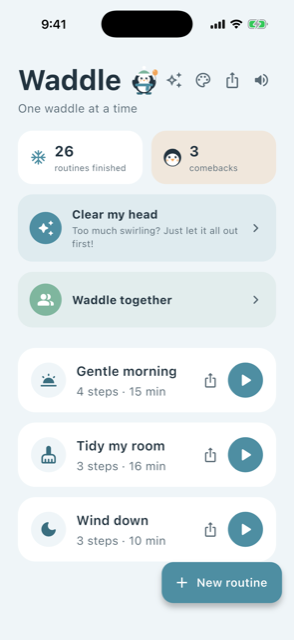
Waddle turns one sentence into a routine, shows time as melting ice, and counts comebacks instead of streaks.
Free right now · works without an account · your routines stay on your phone
Waddle is probably the 41st app you have tried. We know you might leave. We will still be here when you come back.
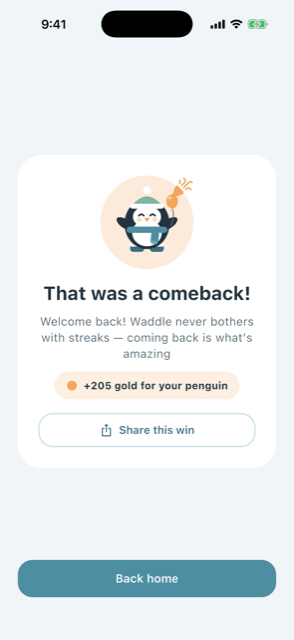
Most routine apps sell you a streak and then take it away. Waddle counts comebacks instead — because coming back is the whole skill.
A streak counter turns a quiet Tuesday into evidence against you. For a lot of ADHD adults that is exactly the moment the app gets deleted — not because it stopped working, but because opening it started to feel like being told off.
So Waddle has no streaks, no red, and no word for a day you did not use it. There is nothing to break, which means there is nothing to be afraid of coming back to. When you do come back, the app says so — and counts it.
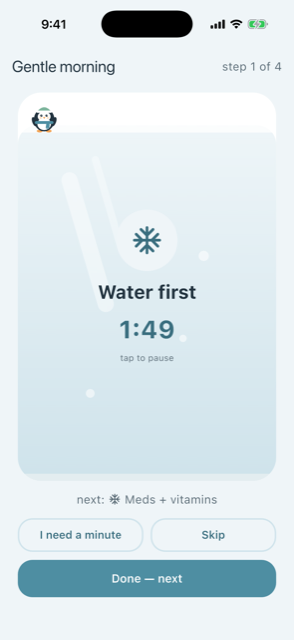
A block of ice thaws as the step runs. Time blindness is easier to work with when time has a shape — and nothing turns red at the end. Skip is a first-class button, not a hidden failure.
Type “morning routine, 30 minutes” and Waddle writes the steps for you. No blank page, no setup wizard to abandon halfway through.
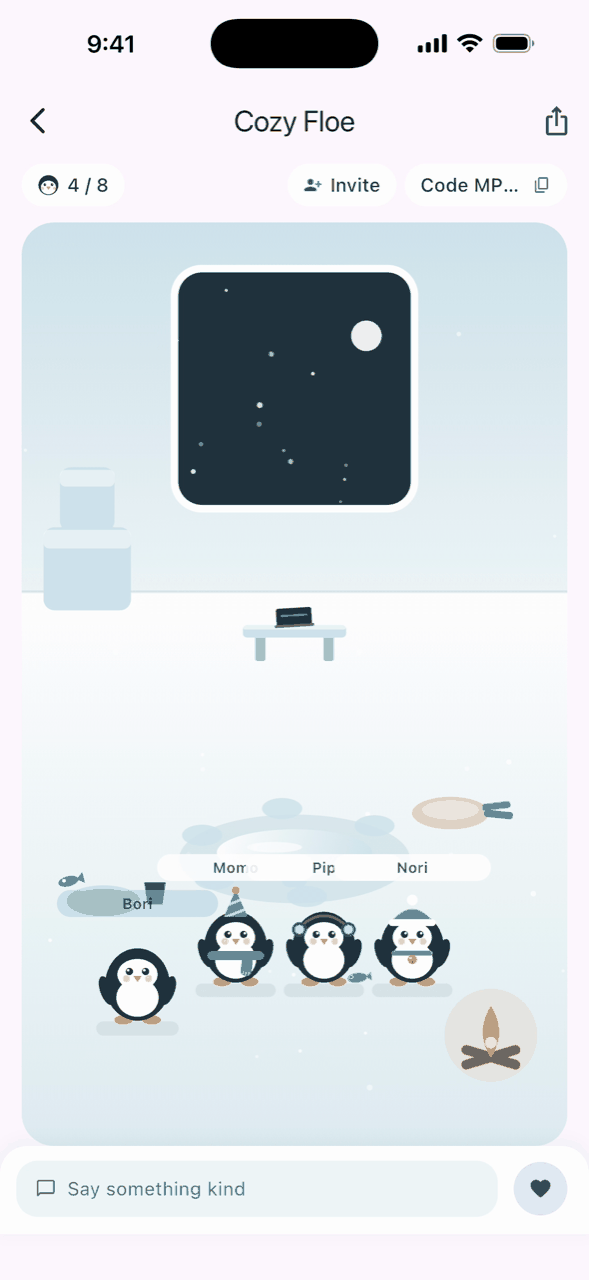
Working next to someone helps. Booking a session and turning a camera on is the part that doesn’t. So your penguin sits down and works next to you — fishing, reading, washing up. No booking, no camera, no one watching. When you would rather have real people there, there are rooms — still with no camera in sight.
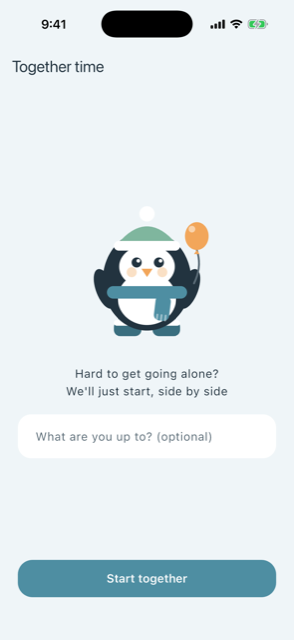
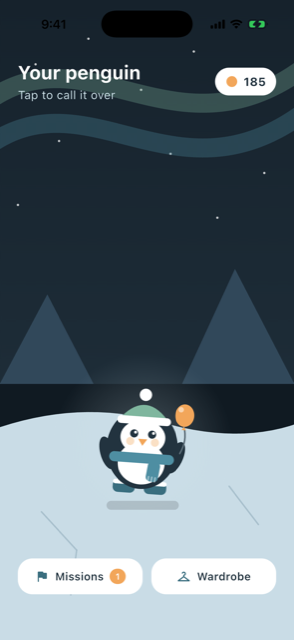
Milestones earn gold — your first routine, your fifth, your tenth — and gold buys gear: hats, scarves, boots, sleds. Your penguin wears it everywhere: in the app, on share cards, on your widgets. Six slots, no purchases needed — just showing up.
Some days gentle is not the mode you need. There is an opt-in penguin who barks reminders — and one tap stands it down again. It never counts anything, and there is nothing to lose. It is just a reminder with a personality.

Some days your own penguin is enough company. Some days it helps to know a real person is working too. So there are rooms now — and there is still no camera anywhere in this app.
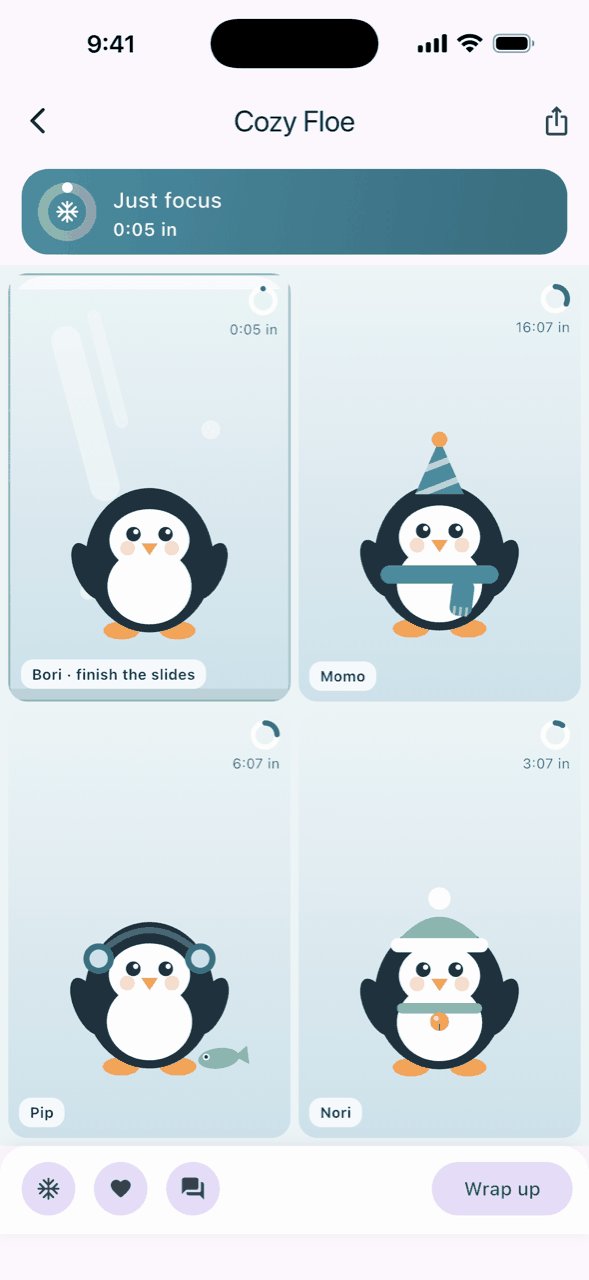
Join a public room, or send a friend a six-character code. Everyone gets a penguin and somewhere to settle — a desk, a fishing hole, a reading cushion — and their own thing to get on with. Nobody has to say hello. When the last penguin leaves, the room melts.
Start a routine and the room turns into a quiet grid — one tile per penguin, a ring filling as each one works. That is the whole of what anyone sees of you: a penguin, a ring, and what you are working on only if you switch that on. No video, no voice, no photos, no real names.
Press and hold any penguin to report or block them. Rooms are penguins only, on purpose.
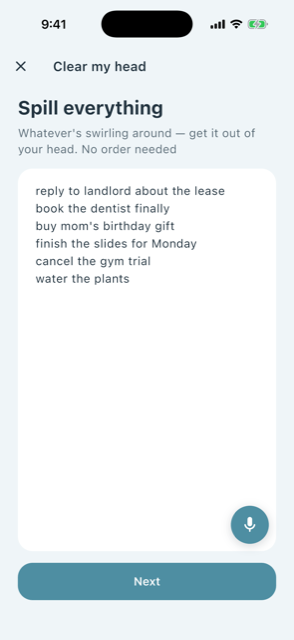
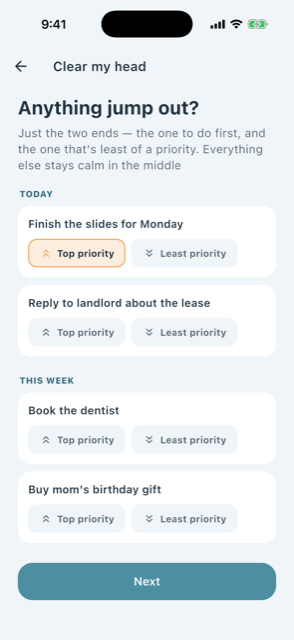
Planning every step yourself is exactly the thing that is hard. So Waddle does the breaking up — and leaves you only the choices that matter.
ADHD is heavy to bring up. A penguin in a beanie is not. Waddle makes share cards with your own penguin, in your own gear — so you can show a friend what you did today without a lecture attached.
And routines themselves travel: any routine becomes a short code. A friend pastes it and it is theirs — no account, no server, no link that expires.
Ask me for my routine code
For the days when even the app icon feels like too much. One tap on any of these goes straight into the routine — no menus in between.
Inline, circular, and rectangular — your next routine on the screen you see most.
 One waddle at a timeGentle morning4 steps · 15 min
Even after days away, the words never change — no “we missed you”, ever.
Small and medium sizes. Change your penguin’s outfit and the widget changes too.
 Sergeant standing by
When the sergeant is on duty, the widget switches over by itself.
Shows your next routine with its steps and minutes. Tapping opens the runner directly.
Gentle morning4 steps · 15 min
Finish the dishesON DUTY
Android 16 can place widgets on the lock screen too — same widget, no setup.
Those are the features that turn a routine app into a second job. Some apps offer three thousand icons to customise. Waddle has four quiet ice themes — and that is the point.
Two optional AI helpers can suggest a routine or split a brain dump. They are off until you switch them on, they say exactly what they send, and everything works with them off. The privacy policy spells all of it out.
I kept quitting the apps that were supposed to help — the streak I was scared to break, the settings I never finished, the badges turning red at me. I wanted something to plan my day, but I did not want everything decided for me either. And honestly, I just wanted to look after a cute penguin.
So Waddle is that app. One person builds it, and every feature in it started as a complaint about some other app I gave up on.
Waddle is a self-management tool, not a medical device. It does not diagnose, treat, or claim any clinical effect, and it should never stand in for care.
What it is safe to hand someone: it is free right now, has no ads, no tracking and no analytics, works without an account, and keeps routines, penguin and progress in the phone's own storage. Two optional AI helpers can send text out to be split or suggested; both are off until your client turns them on, and everything works with them off. So recommending it costs your client nothing, and nothing about them leaves the phone unless they choose it.
One thing it has not had: an accessibility audit. There is no dedicated screen-reader work in it yet. If that matters for your setting, it is fair to hold off.

Free right now · works without an account · your routines stay on your phone